
ax5author · 14
Writing Books
A book is a folder of numbered chapter notes. The numbers at the start of the file names set the order. The chapters live in the folder Manuscript, and the files you create live in the folder Export.
Create a book
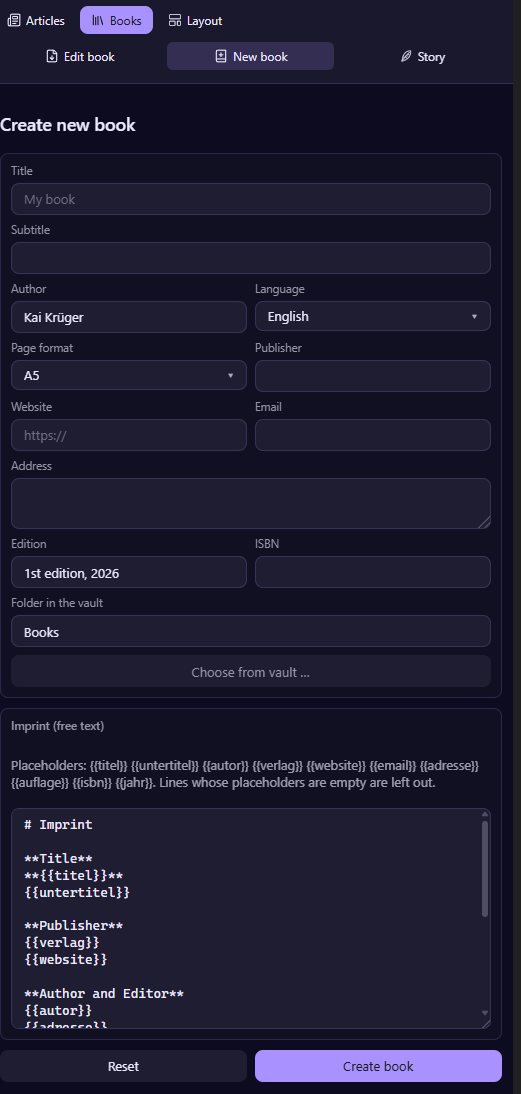
Open the Books panel, choose New book, fill in the title and the author, and create your book. The chapter folder, the imprint, the cover and the back cover pages are ready right away.
Edit book
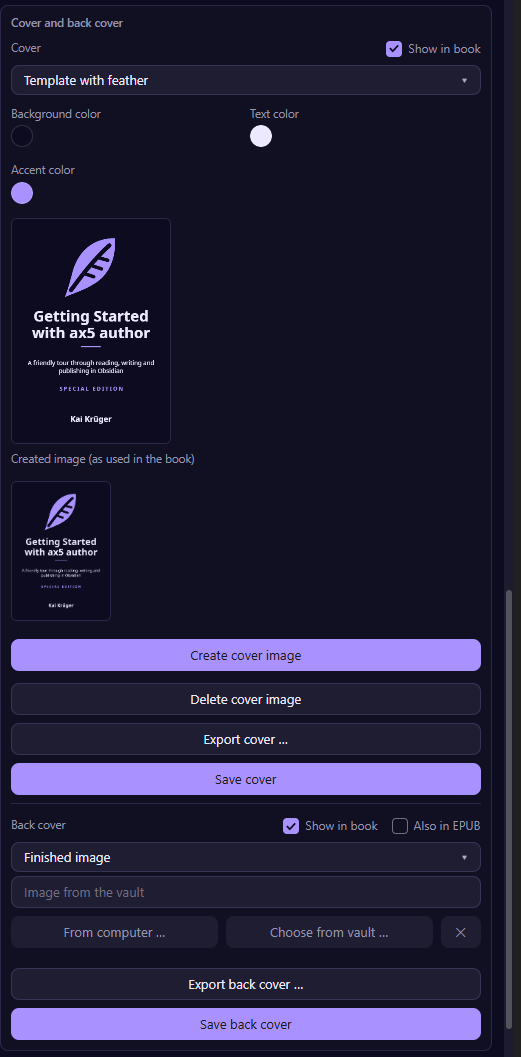
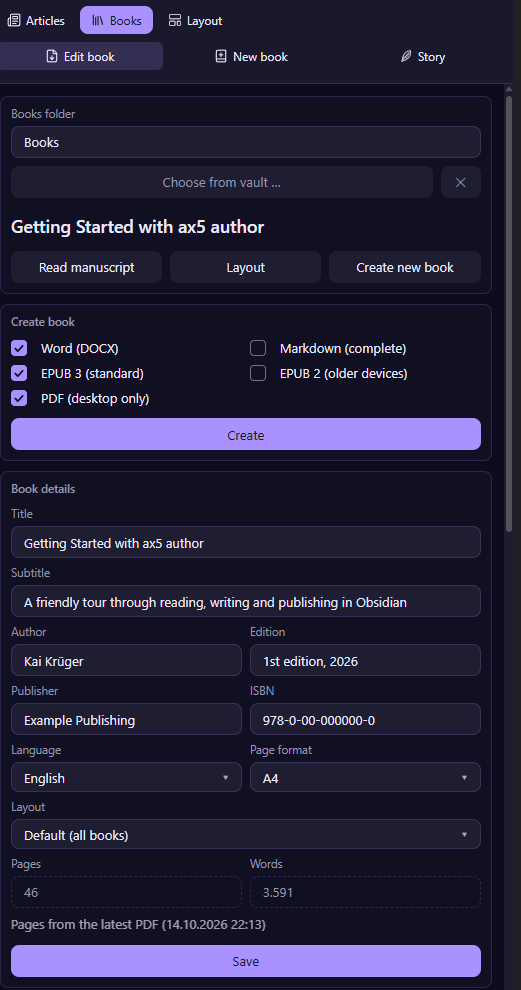
The tab Edit book is your control center. At the top you pick the books folder and the book. Below you find the formats to create, the book details, the data for shops, the cover and the chapters.
Add chapters
Use New chapter, or paste an outline, one chapter per line, and choose Create chapters from outline. You get all chapter notes at once. Drag a chapter in the list to move it, the numbers in the file names follow.
The table of contents
The contents page lists your headings and updates itself whenever chapters change. You choose how deep it goes, from chapters only down to level three, either as set in the layout or for this book alone. Create table of contents builds it, and it updates itself after that.
The imprint
The imprint is a chapter like the others. Title, publisher, author, edition and ISBN come from the book details, and a change there carries into the imprint at once.