

ax5author · 19
Articles
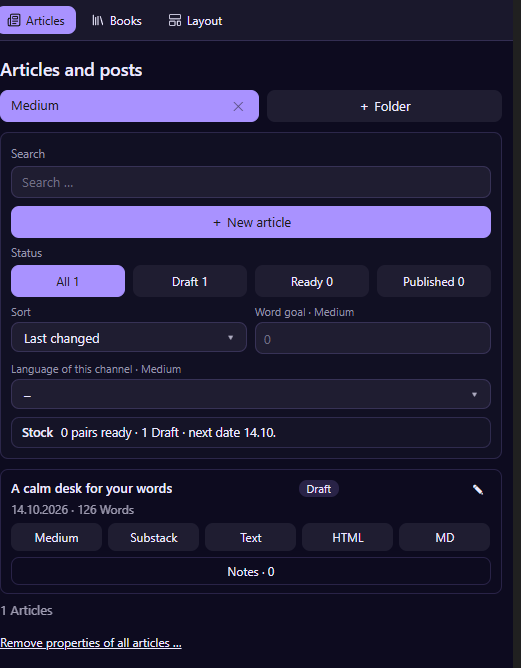
The Articles panel keeps your posts for Medium and Substack in folders, with a status for each: draft, ready or published.
Folders and channels
Choose + Folder and add a folder for each platform, for example Medium and Substack. Every folder is a channel, and the notes inside appear in the list. Set a word goal and the language of the channel, and the panel keeps count: the line Stock shows how many language pairs are ready, how many drafts you have and the next date.
New article
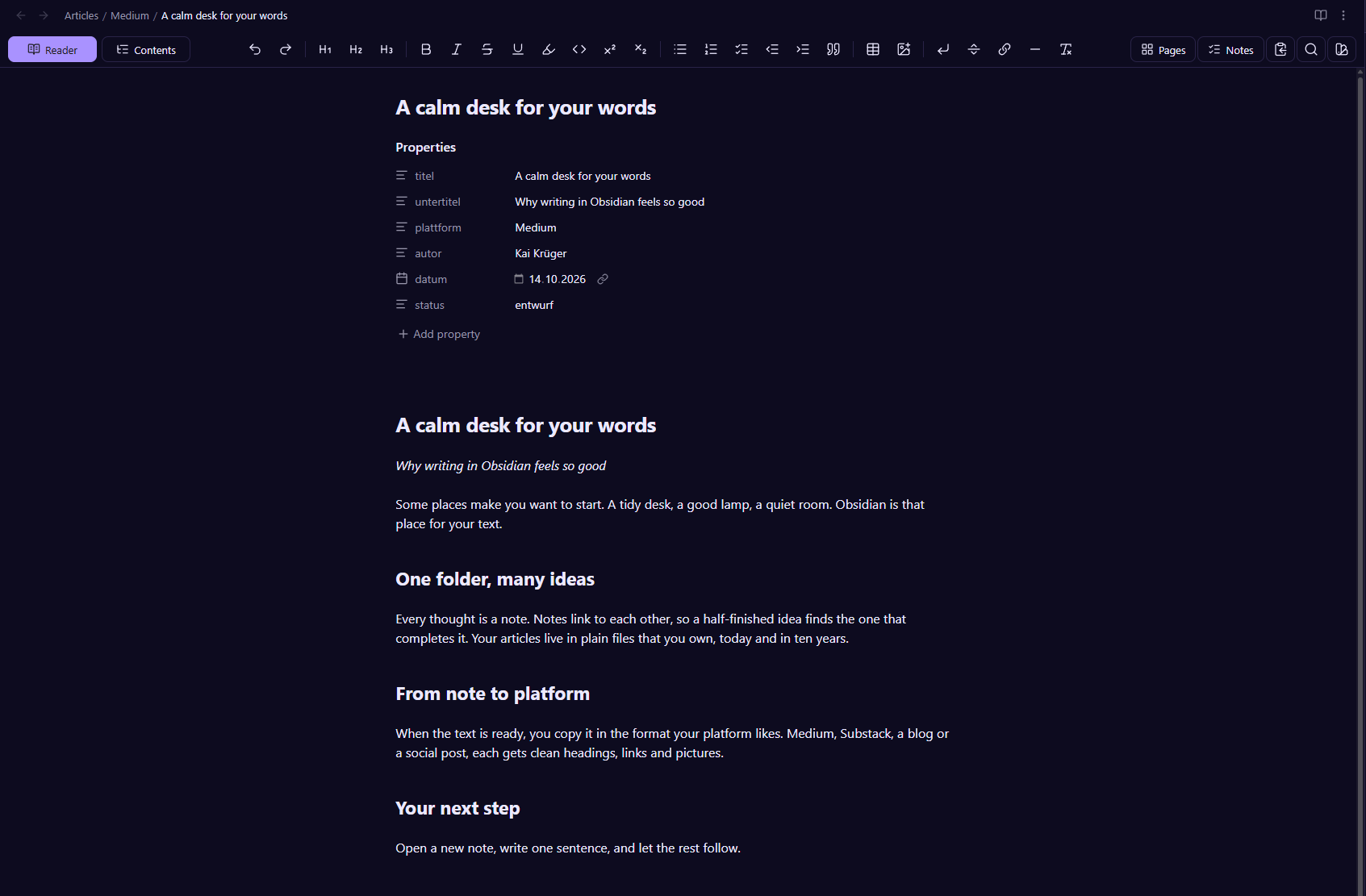
Choose New article, fill in title and subtitle, and the note starts from your template. At the top of the note the properties hold title, subtitle, platform, author, date and status. The note below is a normal Markdown note.
Find and sort
Search by words, filter by All, Draft, Ready or Published, and sort by last change or by date. Each article shows its status, date and word count.
Language pairs
Write an English and a German version of the same article. Choose Create language version and the plugin makes the second note and links both. It counts the pairs that are ready, so you always have a version for each platform.
Copy in the right format
The buttons under each article copy the text in the right form: Medium, Substack, Text for social media, HTML for WordPress, Ghost and others, and MD for clean Markdown. Images and links come along.
A check before you publish
In the settings you can list word stems that must not appear in a text. If one shows up while you copy, the plugin tells you before it goes out.
Notes on an article
The button Notes under an article opens the notes you took for it.