

ax5author · 10
Welcome
ax5author is a calm writing desk inside Obsidian. You read EPUB, PDF and Word files, keep notes and reminders, prepare articles for Medium and Substack, and turn your own Markdown notes into finished books as EPUB, PDF and Word.
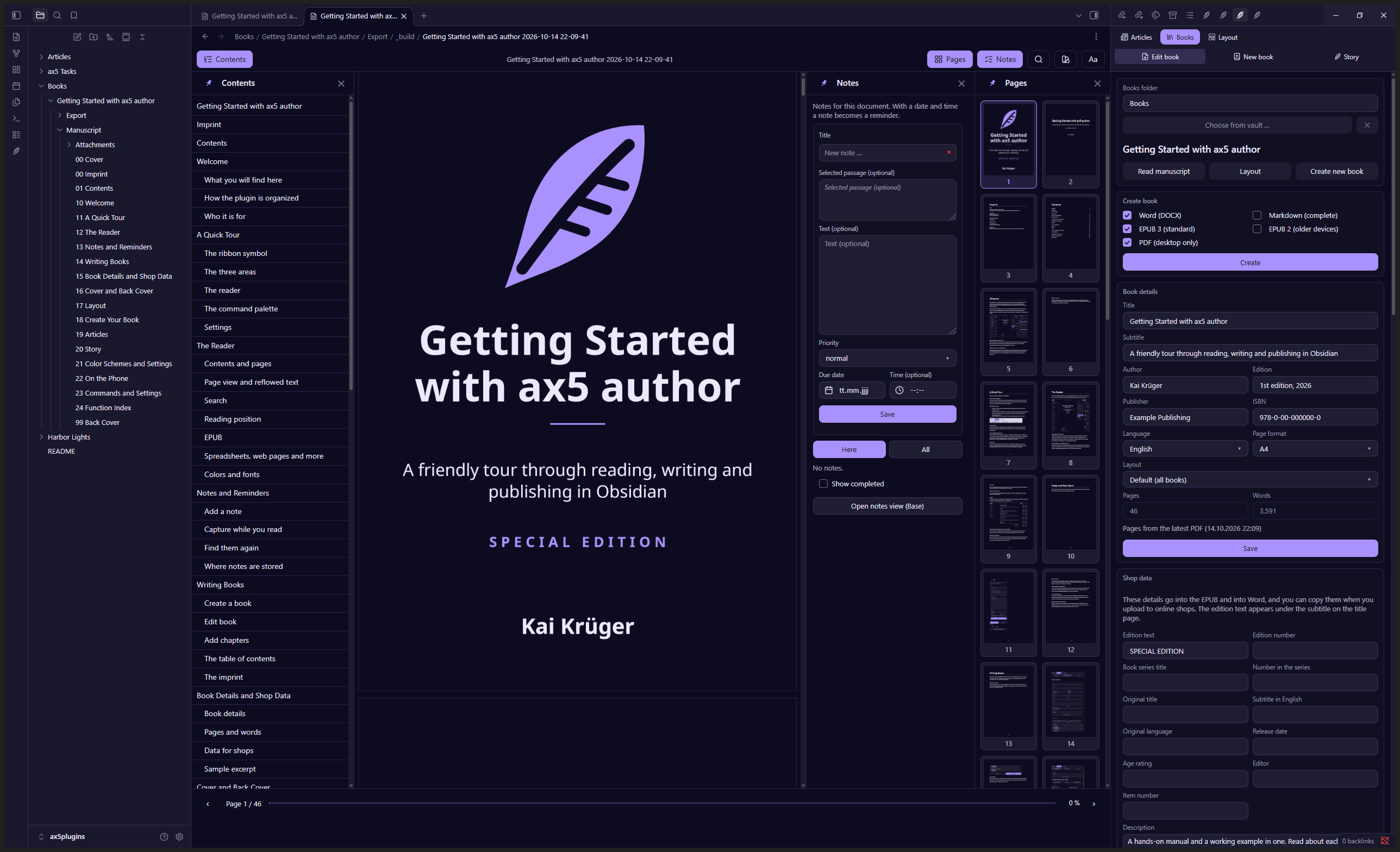
This book is the manual, and it is also a working example. Every chapter is a note in the folder Manuscript. Open the Books panel on the right, choose Create, and you hold this very book in your hands, as a Word file, an EPUB and a PDF.
What you will find here
Each chapter covers one area. Read them in order, or jump to the one you need. The last chapter is an index of all functions, from A to Z, so you can find something even if you do not know what it is called.
How the plugin is organized
Everything starts with the feather symbol in the left ribbon. It opens a panel on the right side with three areas: Articles, Books and Layout. The reader for your documents opens on its own whenever you click a PDF, an EPUB or a Word file.
Who it is for
Authors who write books and articles in Markdown, readers who want one calm place for their files, and everyone who likes to see how their writing looks as a finished book while they write.