

ax5author · 16
Cover and Back Cover
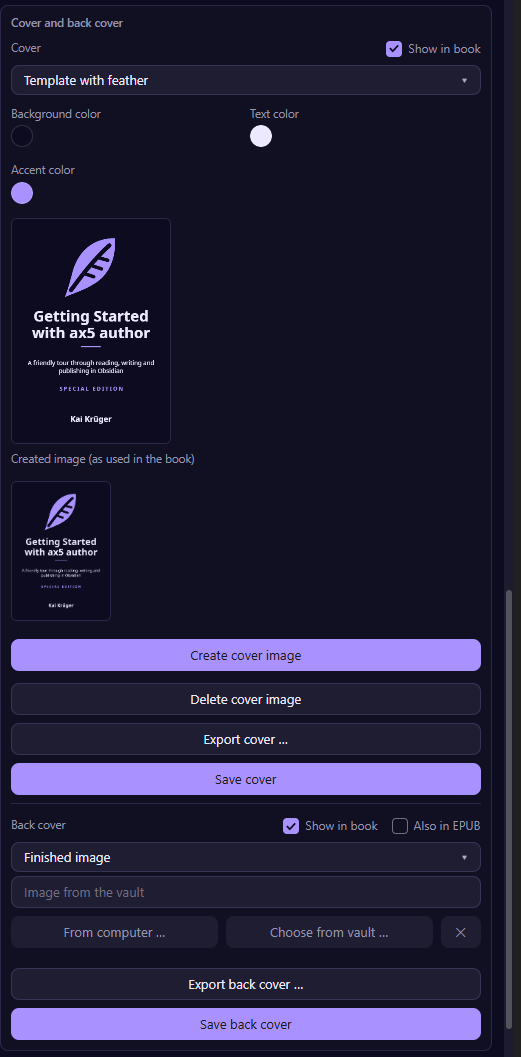
Each book can carry a cover page and a back cover page, and you switch each one on or off with Show in book.
Use a finished image
Choose an image from your vault or from your computer. The panel tells you its size and warns you if a shop may find it too small, for example under 3000 pixels on the long side for Feiyr.
Make one from a photo and text
Choose Photo and text or Color and text, pick the photo or colors, add your text and set position, alignment, color and size. The preview updates as you type, and you can write text only, without a photo.
Export for shops
Export cover saves the cover as a JPG or PNG in the size a shop asks for: Feiyr, Amazon KDP, Kobo, Google Play, Apple Books, or a small version for your website. The standard is 3000 pixels on the long side.
The back cover in the EPUB
A back cover is not common in an EPUB, so it stays out by default. Tick Also in EPUB if you want it there.